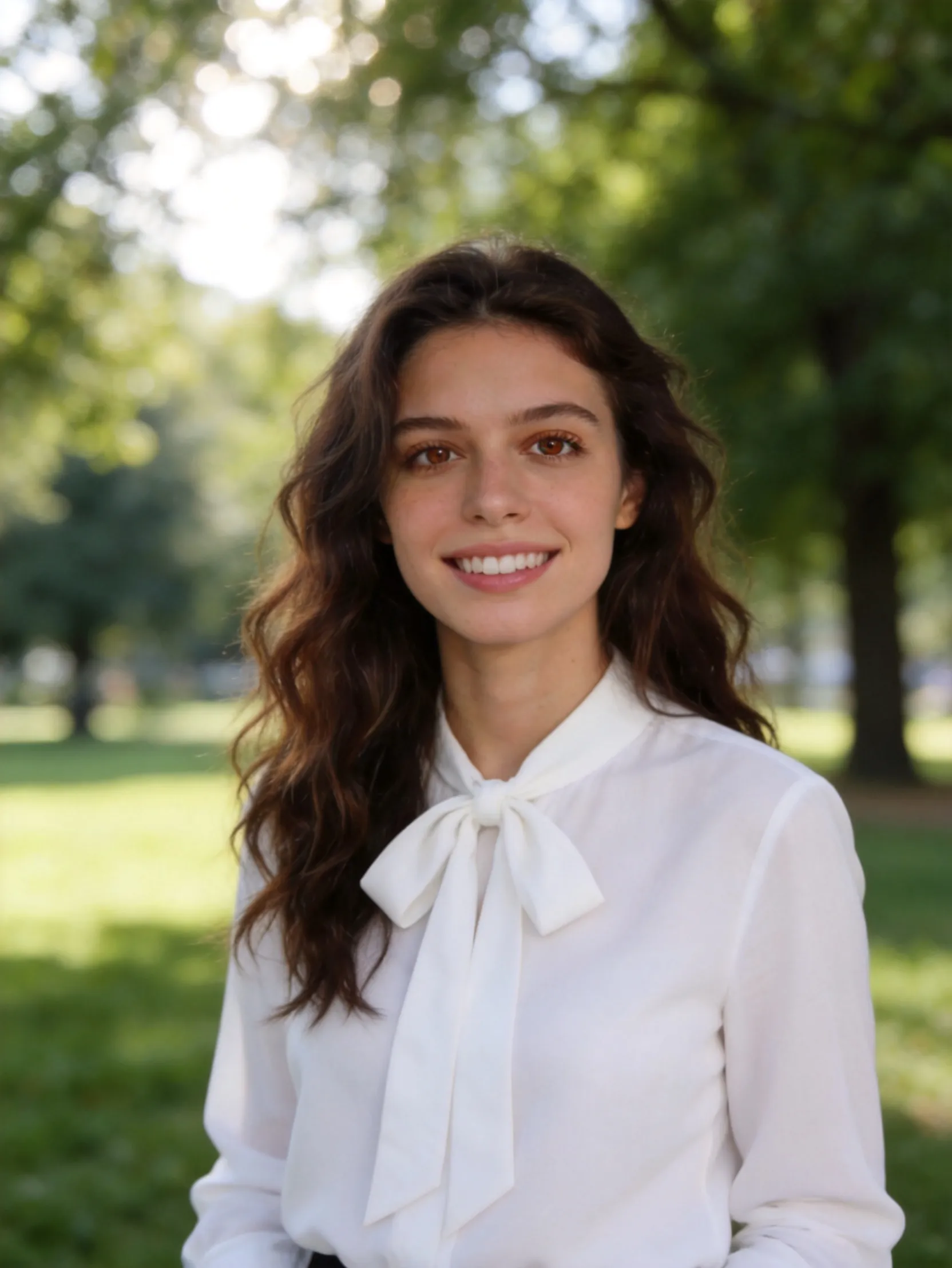
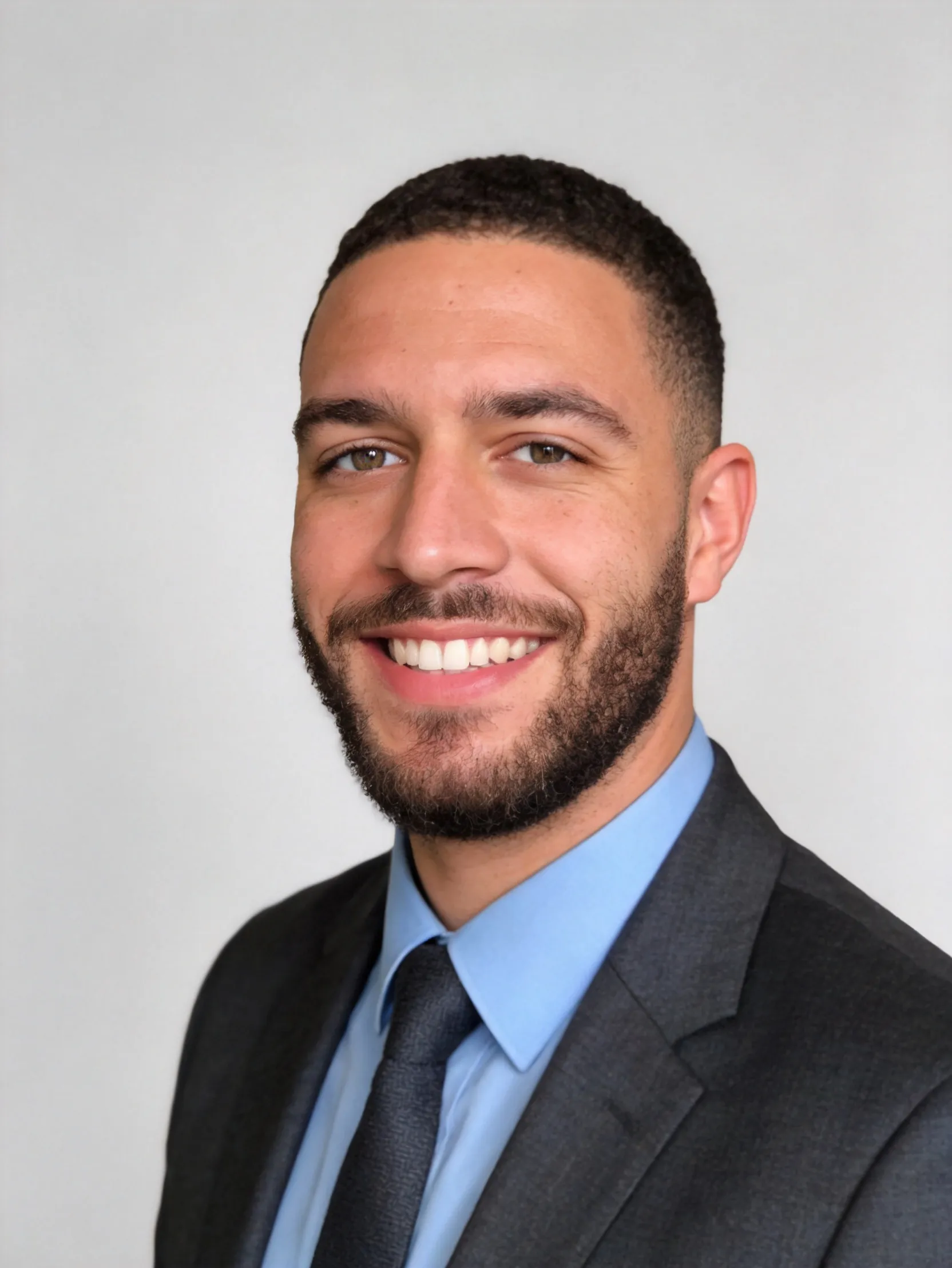
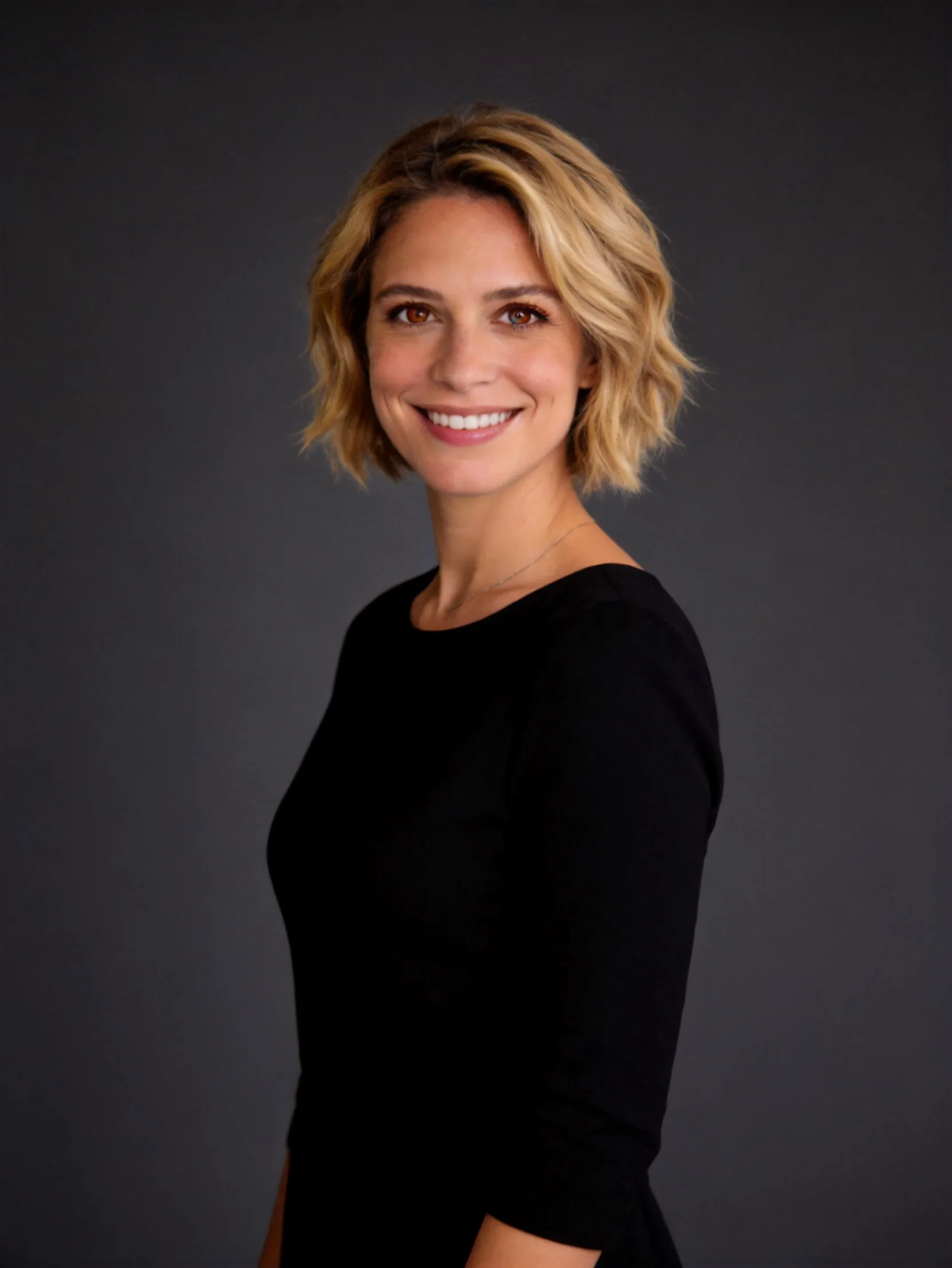
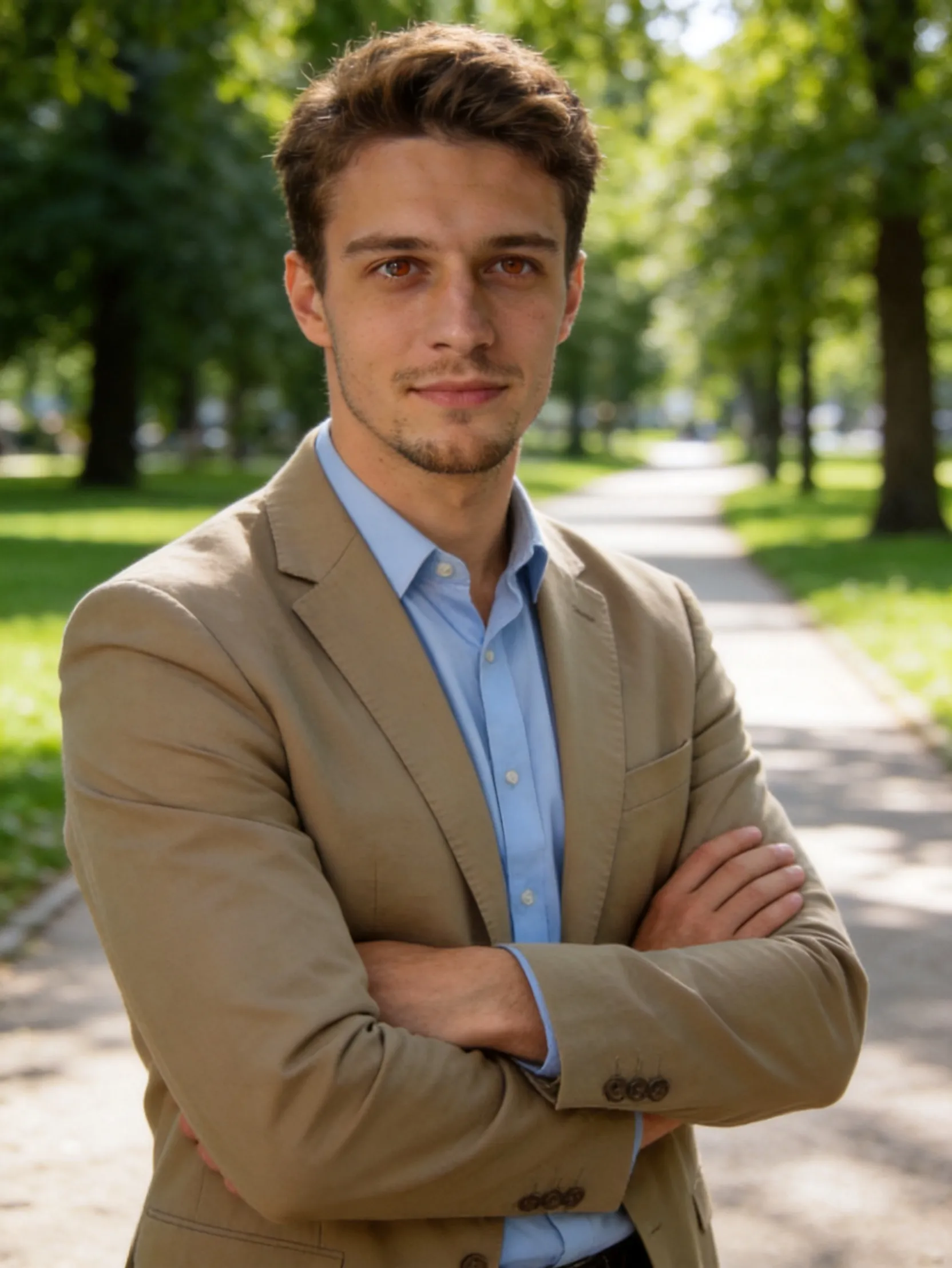
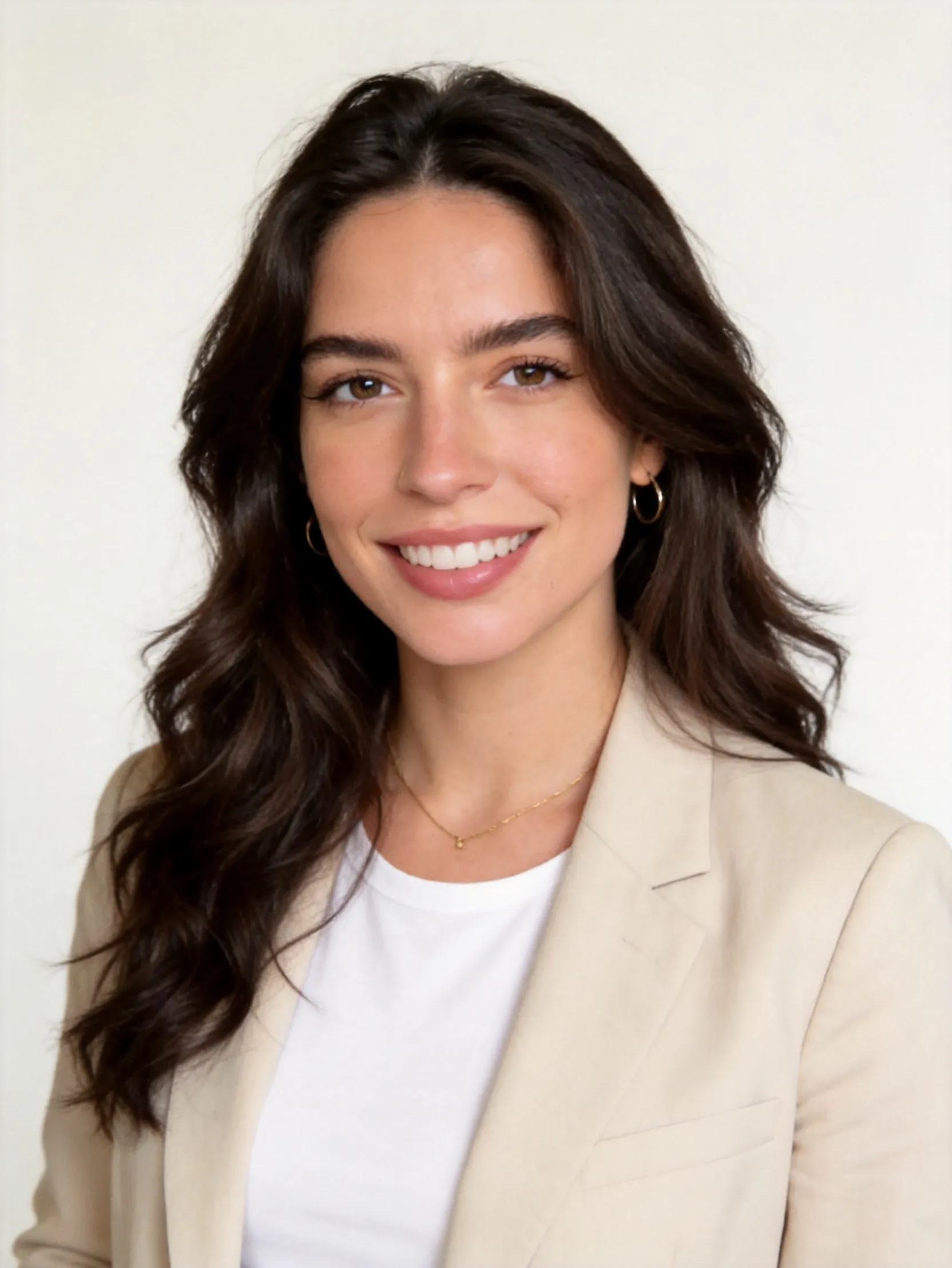
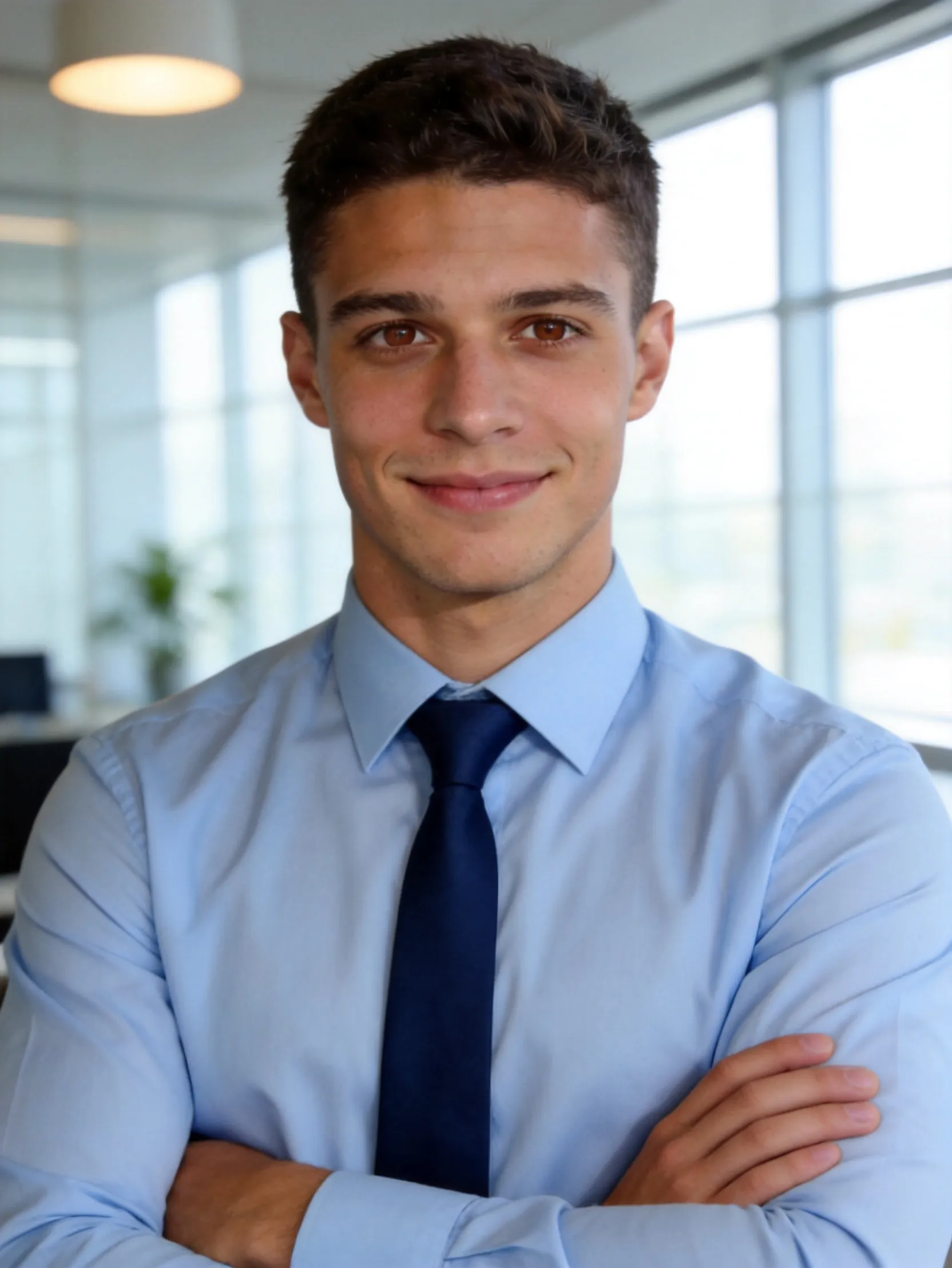
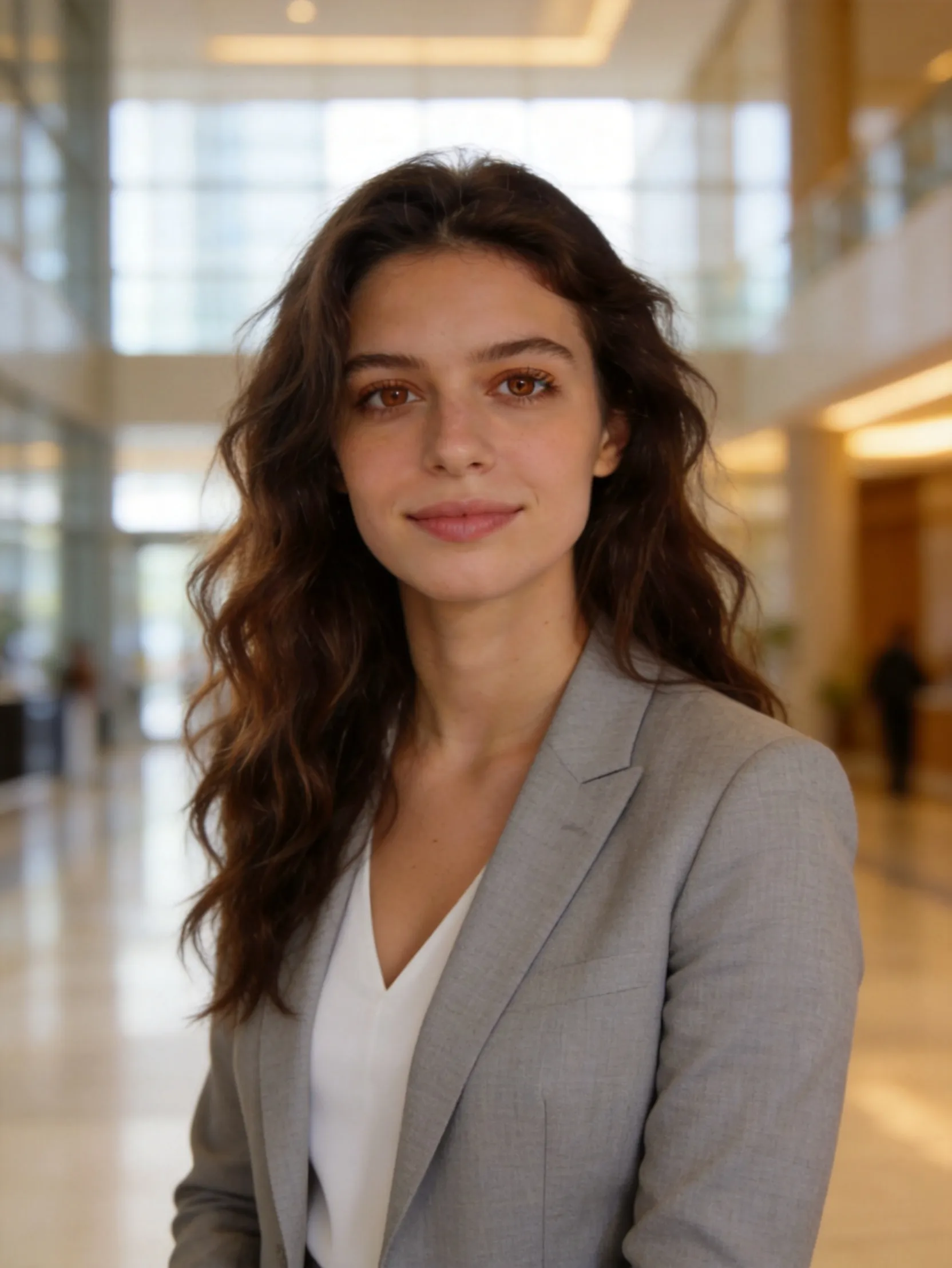
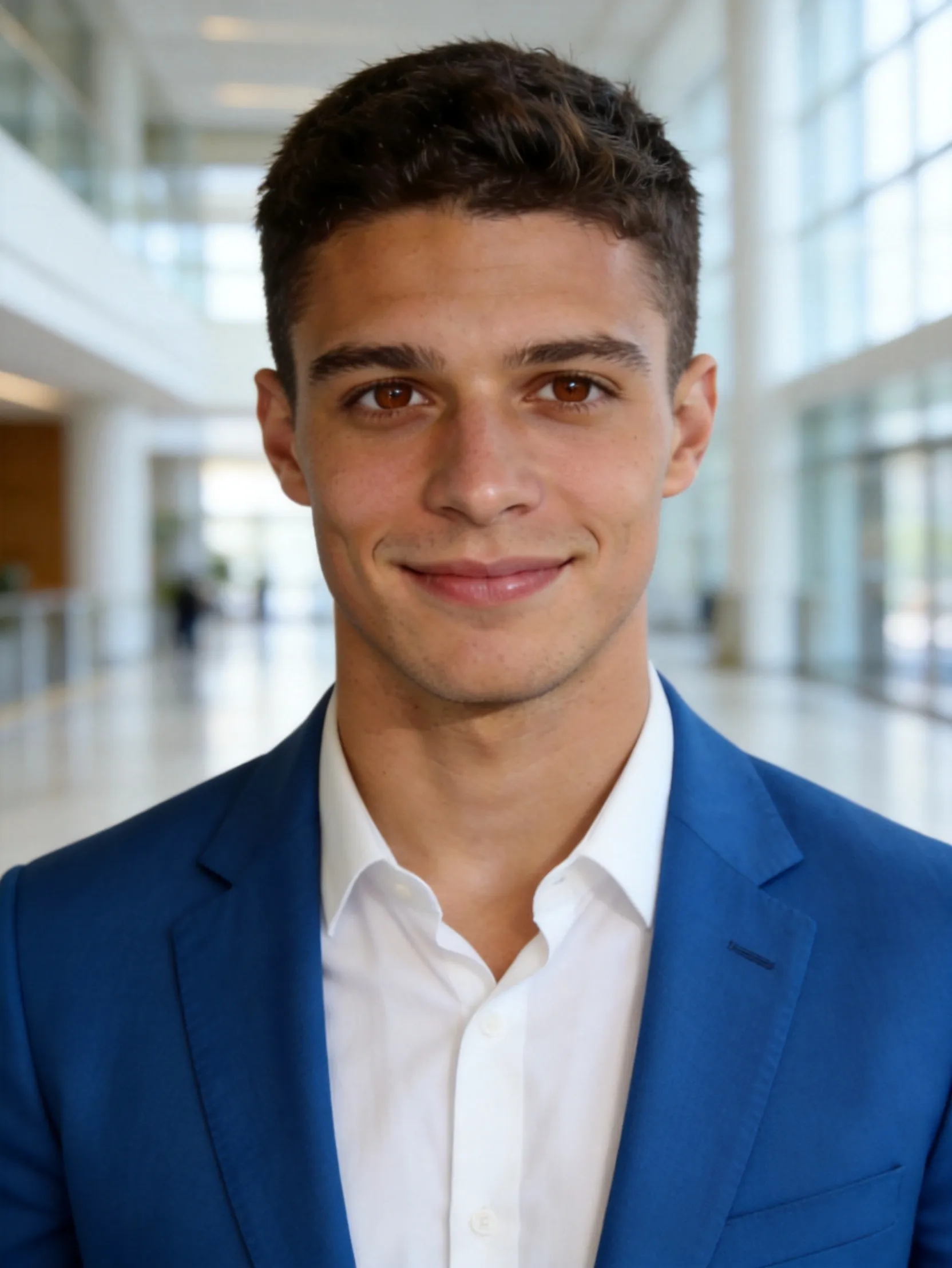
Real Professional Headshot Transformations
Drag the slider to see the transformation
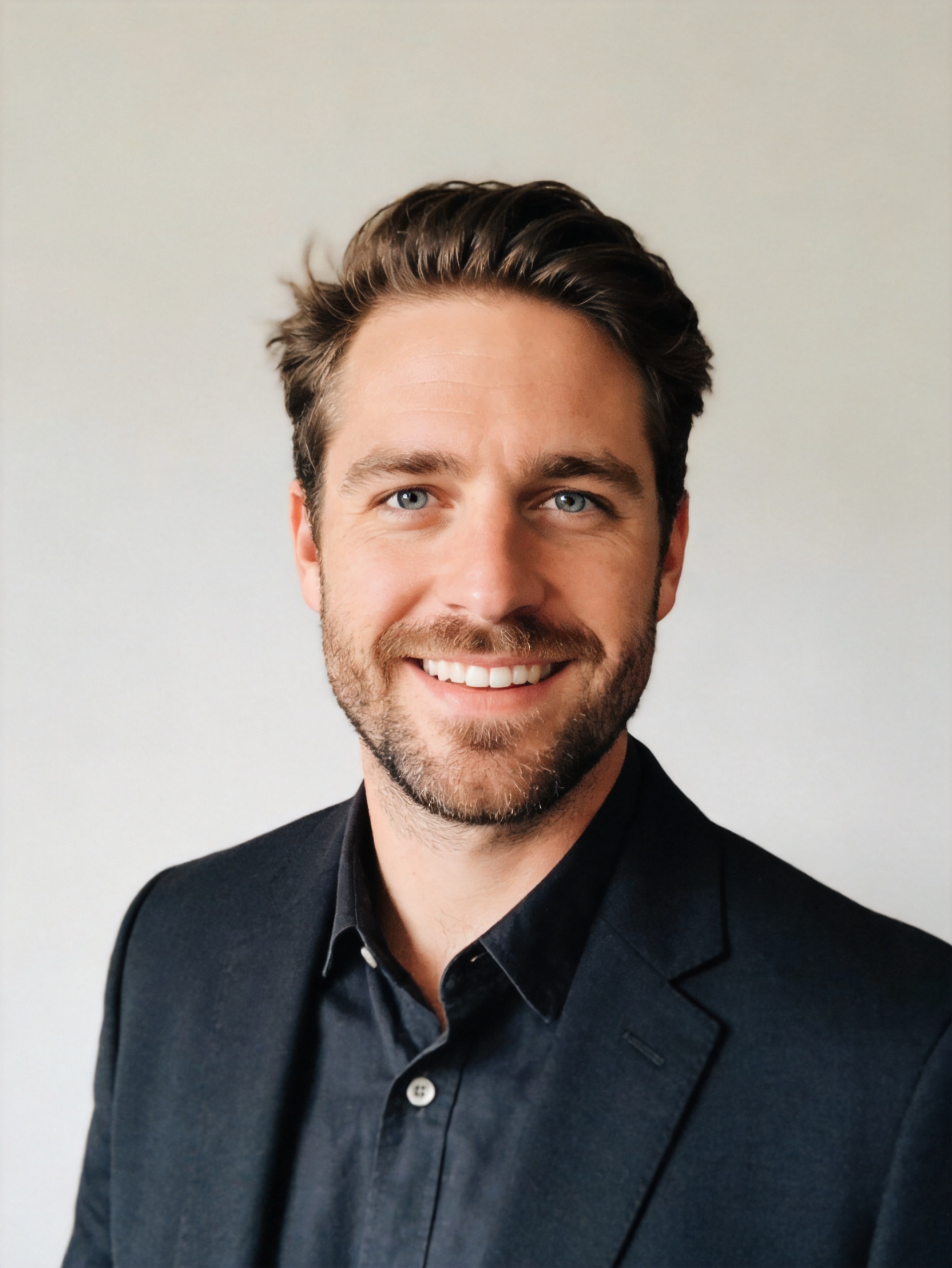
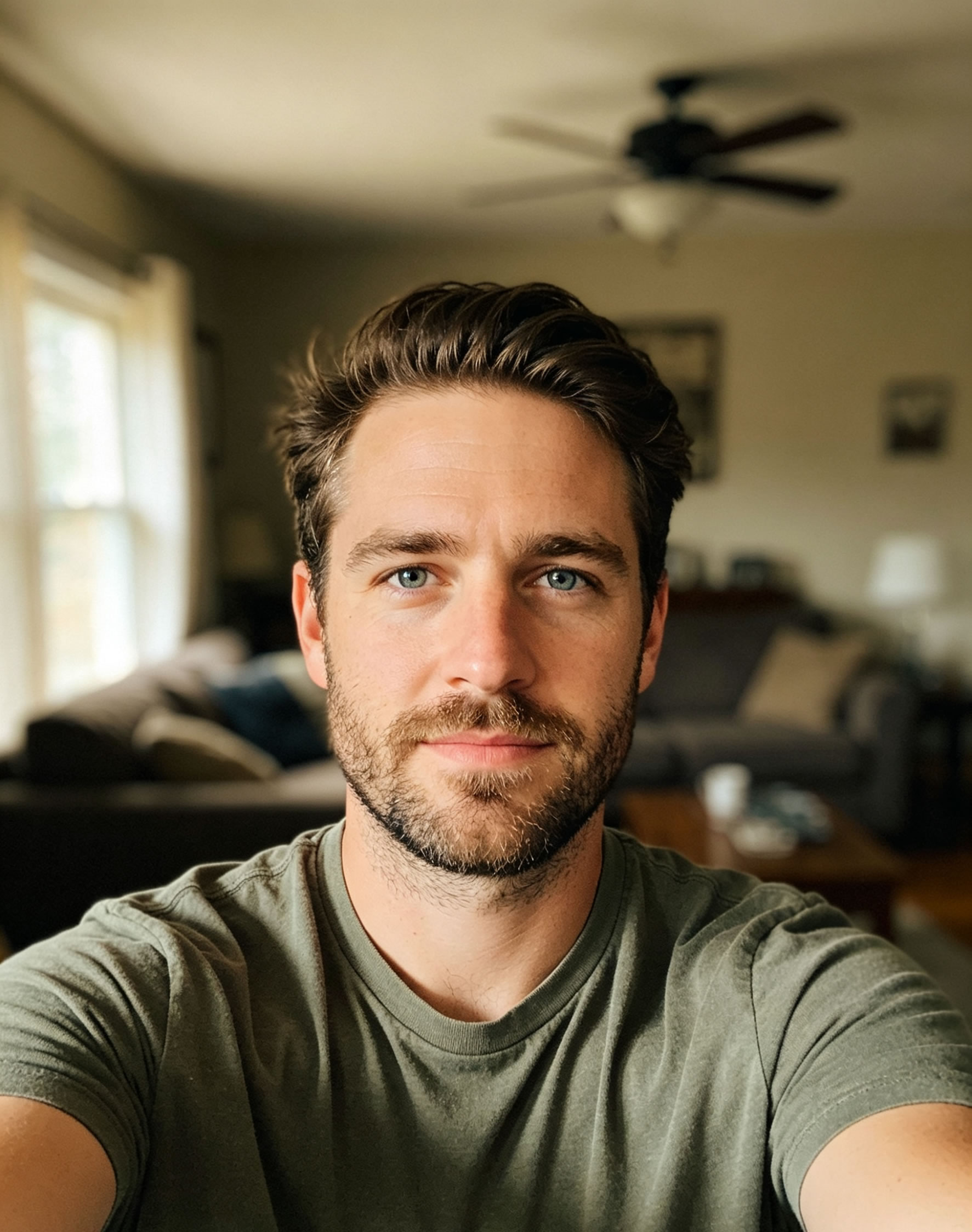
BEFORE
AFTER
Turn ordinary selfies into studio-quality professional headshots for LinkedIn, resumes, company websites and personal branding.
Generate 3 Free Headshots (No Login Required)Create polished headshots suitable for any business environment.
Avoid expensive photographers and studio sessions.
Generate dozens of professional portraits in minutes.
Business, corporate, executive and LinkedIn-ready looks.
Choose the perfect style for your career goals
Drag the slider to see the transformation
Upload 1–4 clear photos from different angles.
Our AI analyzes your facial structure and appearance.
Create multiple professional business portraits automatically.
Use anywhere for work, LinkedIn, and personal branding.
Explore professional AI headshot styles for LinkedIn, resumes, business profiles, and personal branding. Choose a look that matches your industry and create realistic, polished headshots in seconds.
Insights, tips and guides about AI photography
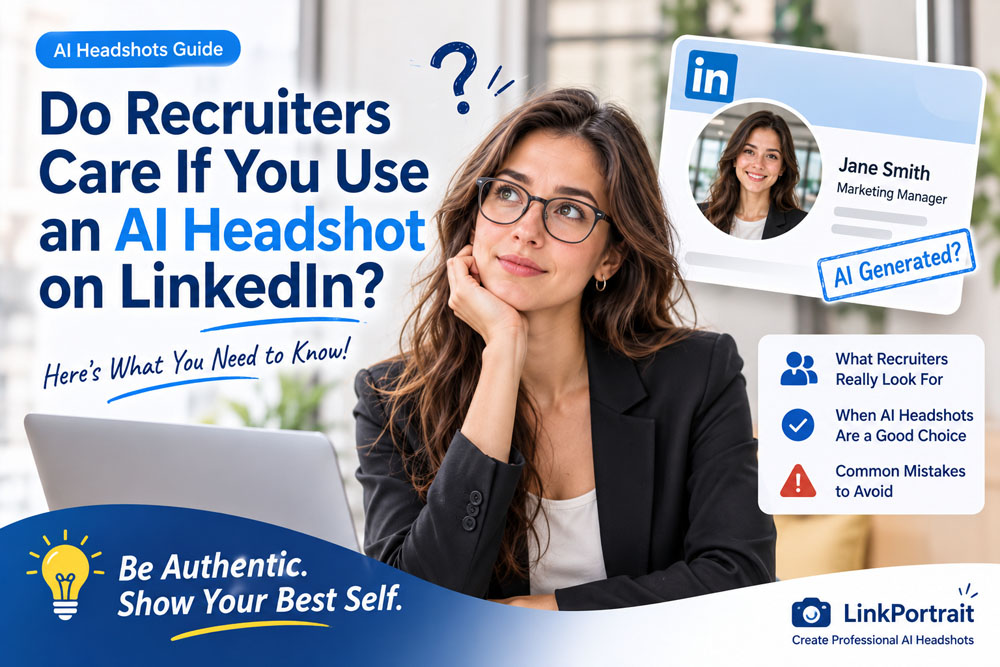
Do recruiters care if you use an AI headshot on LinkedIn? Learn when AI photos look professional, what recruiters may notice, and how to create a natural, authentic headshot.
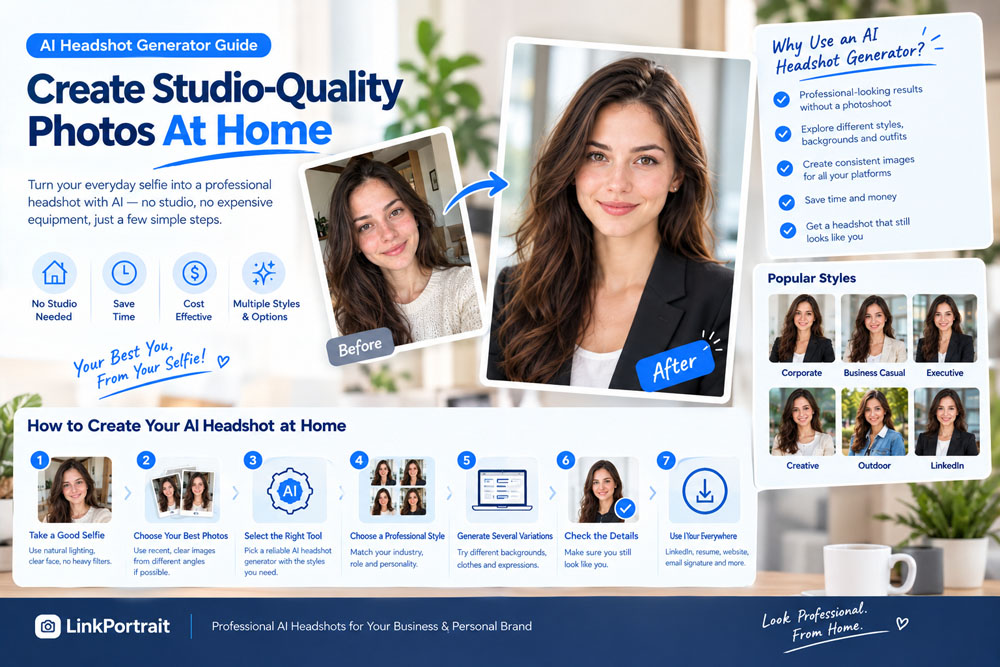
Learn how to create studio-quality AI headshots at home. Discover selfie tips, professional styles, lighting, backgrounds, and how to generate realistic headshots for LinkedIn and business profiles.
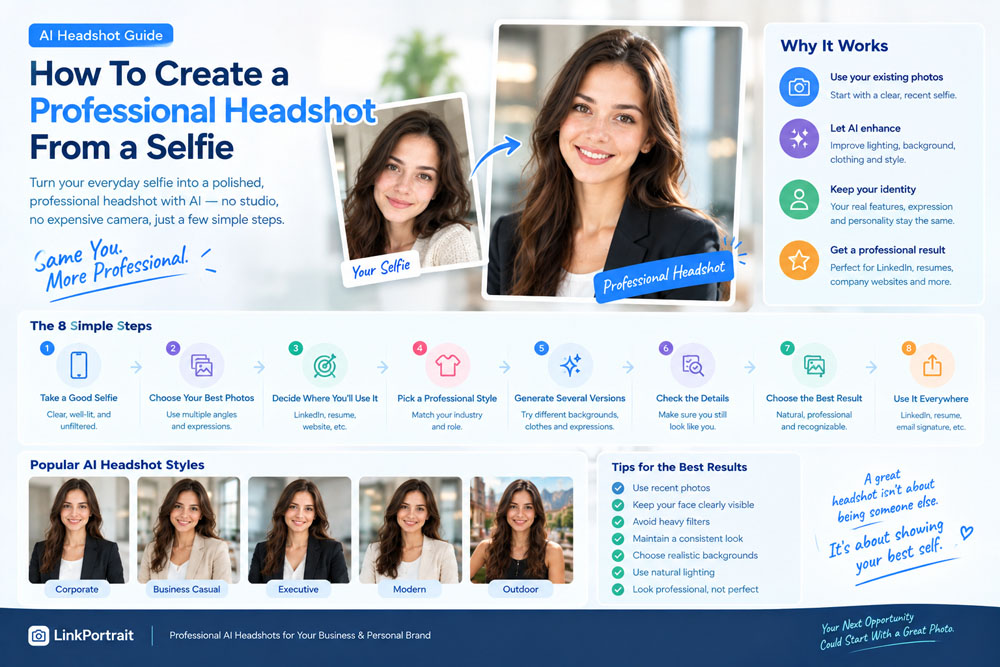
Learn how to create a professional headshot from a selfie using AI. Discover tips for taking the right selfie, choosing professional styles, clothing, backgrounds, lighting, and realistic AI headshots.
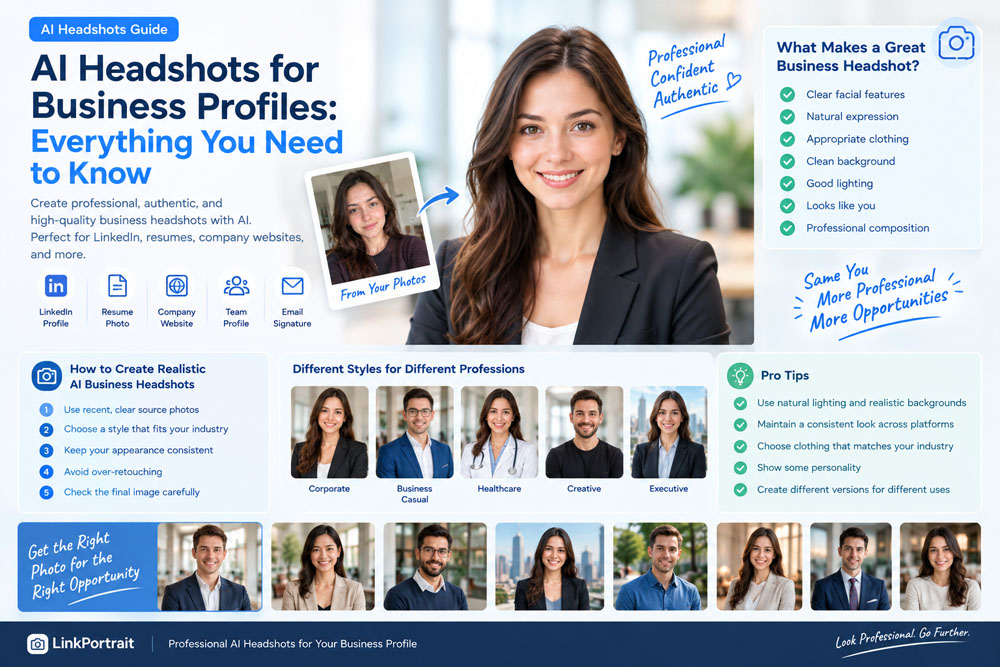
Learn how AI headshots can improve your business profile. Discover how to create professional AI headshots for LinkedIn, resumes, company websites, and professional profiles.
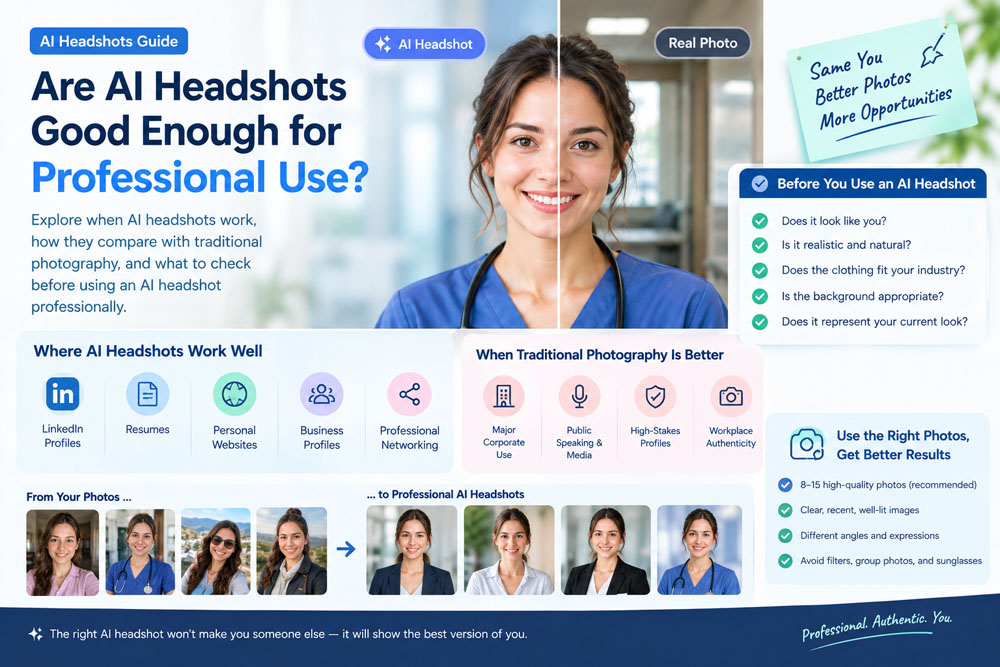
Are AI headshots good enough for professional use? Learn when AI headshots work for LinkedIn, resumes, websites, and business profiles—and how to create realistic results.

How many photos do you need for AI headshots? Learn how to choose the right number, what photos to upload, which images to avoid, and how to get more realistic AI headshot results.
Professional headshots are high-quality portrait photos used for business and career purposes. They are commonly used on LinkedIn, company websites, speaking profiles, resumes and personal branding platforms.
A strong professional headshot helps build trust, credibility and a positive first impression. Whether you're applying for a new job, growing your business or networking online, your profile photo often influences how others perceive you.
Traditional headshot photography can be expensive and time-consuming. LinkPortrait uses advanced AI technology to create professional headshots from ordinary selfies.
An AI professional headshot is a business-style portrait generated from your selfies using artificial intelligence.
Yes. AI headshots are widely used and accepted for LinkedIn profiles and professional networking.
We recommend uploading 1–4 clear selfies with different angles and lighting.
Yes. Our AI is designed to preserve your identity while improving quality and professionalism.
Generate studio-quality business portraits from your selfies today.
Start Free Trial Instantly (No Sign-Up)